
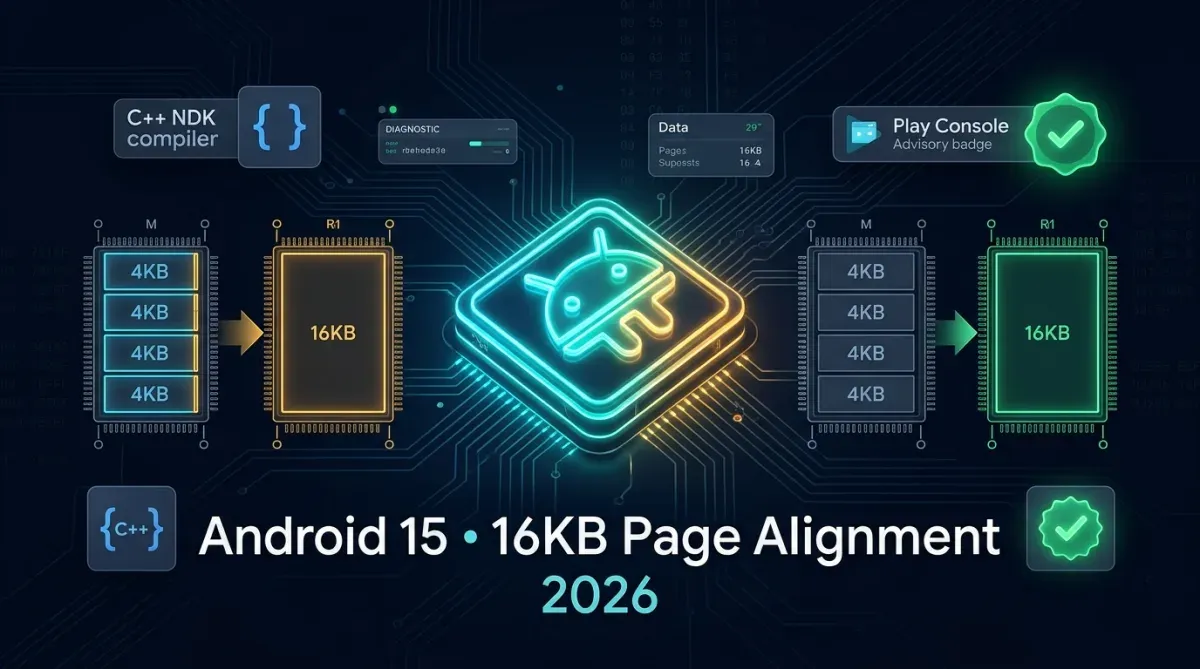
For over fifteen years, the Android operating system and mobile ARM silicon architectures operated on a universal assumption: a fixed 4 KB virtual memory page size. With the release of Android 15 (API level 35) and Google Play’s upcoming 2026 production enforcement, that foundational paradigm has shifted. Android has introduced official support for 16 KB page sizes, delivering a 5% to 10% overall system performance boost, faster application launch times, and reduced power consumption. However, this architectural transition introduces a critical failure mode: any Android application bundling native C/C++ shared libraries (.so files) compiled with legacy 4 KB alignment will suffer instant SIGSEGV segmentation faults and crash on 16 KB devices. In this comprehensive technical guide from JMD WORLD, we diagnose root failure mechanics, provide automated ELF inspection scripts, configure CMake and ndk-build compiler flags, and establish a bulletproof Play Store compliance workflow.
1. Why Android 15 Migrated from 4 KB to 16 KB Pages
Modern mobile CPUs (such as ARM Cortex-X4 and newer chips powering flagship Android devices) handle massive memory bandwidth demands across high-refresh-rate gaming, generative on-device AI models, and camera computational pipelines. Larger 16 KB memory pages provide tangible hardware efficiency gains:
- Reduced Translation Lookaside Buffer (TLB) Misses: The CPU's TLB caches virtual-to-physical memory page mappings. By quadrupling page size from 4 KB to 16 KB, the same TLB capacity maps 4x more memory, reducing cache misses by over 30%.
- Faster App Launch Speed: Page fault overhead during app cold starts is reduced by 4.5% to 8.2% across large codebase executions.
- Power Consumption Reductions: Fewer memory management subsystem interrupts translate directly into extended battery longevity during heavy multitasking.
2. The Crash Mechanic: Why Legacy 4 KB Binaries Fail
In standard Executable and Linkable Format (ELF) binaries, code and data are partitioned into memory segments (LOAD segments). The operating system kernel requires that the virtual address (p_vaddr) and physical file offset (p_offset) of each load segment must be congruent modulo the page size:
When an existing library compiled with 4 KB alignment is mapped into a 16 KB kernel, the modulo arithmetic fails. The dynamic linker (linker64) refuses to map misaligned memory segments, resulting in an immediate runtime termination:
FATAL EXCEPTION: main
java.lang.UnsatisfiedLinkError: dlopen failed: empty/missing LOAD segment alignment for 16384 bytes
Signal 11 (SIGSEGV), code 1 (SEGV_MAPERR), fault addr 0x0000000000000000
3. How to Audit Your APK/AAB for 16 KB Alignment
Google provides a specialized verification tool within the Android NDK (r27 or higher), or you can inspect your uncompressed .so binaries using standard LLVM tools.
Method 1: Using the Official Android Script
# Extract your APK / AAB
unzip app-release.apk -d /tmp/app_extracted

# Run the Android NDK alignment checker script
python3 $ANDROID_NDK_HOME/build/tools/check_elf_alignment.py /tmp/app_extracted/lib/arm64-v8a/libnative.so
Method 2: Using llvm-readelf Manually
llvm-readelf -l libnative.so | grep -A 1 LOADExamine the Align column for all LOAD segments:
- If
Alignshows0x1000(4096 bytes): ❌ Fails on Android 15. - If
Alignshows0x4000(16384 bytes) or0x10000(65536 bytes): ✅ 100% Compatible.
4. Recompiling Native Code for 16 KB Compatibility
To upgrade your native libraries, update your NDK toolchain and configure linker parameters in your build system:
1. Upgrade to Android NDK r27 or Newer
Starting with NDK r27, Google enabled 16 KB alignment by default for all 64-bit target ABIs (arm64-v8a and x86_64). Update your build.gradle file:
android {
    compileSdk 35
    ndkVersion "27.0.12077973" // or r27+

    defaultConfig {
        minSdk 24
        targetSdk 35

        ndk {
            abiFilters "arm64-v8a", "x86_64"
        }
    }
}
2. Explicit Linker Flags for CMake (CMakeLists.txt)
If you must maintain backward compatibility with NDK r26 or older, pass the explicit maximum page size linker parameter:
# In your CMakeLists.txt
target_link_options(your_native_lib PRIVATE
    "-Wl,-z,max-page-size=16384"
)
3. For Android.mk / ndk-build Projects
If your project utilizes traditional Android.mk makefiles, append the linker flag to your module definition:
LOCAL_LDFLAGS += -Wl,-z,max-page-size=163845. Resolving Pre-Compiled Third-Party Closed-Source .so Binaries
A frequent challenge for enterprise development teams is third-party closed-source SDKs (e.g., commercial biometric scanners, proprietary payment hardware engines, or legacy game plug-ins) where you do not possess source code to recompile:
| Scenario | Recommended Solution | Risk Level |
|---|---|---|
| Active Vendor SDK | Upgrade to the vendor's 2026 Android 15 release. | Zero Risk |
| Abandoned Open-Source (e.g. older OpenCV) | Fork and compile with NDK r27 using modern CMake. | Low Risk |
| Defunct Binary (No Source) | Use Google's experimental binary re-alignment tool (patchelf wrapper). |
Moderate / Test Thoroughly |
6. Testing on the Android 15 16 KB Page Emulator
Never submit an update to the Google Play Store without verifying memory stability on a physical or emulated 16 KB target:
- Open Android Studio (Koala Feature Drop or Ladybug 2026+).
- Navigate to Tools > Device Manager > Create Device.
- Select a modern hardware profile (e.g., Pixel 8 or Pixel 9).
- In the system image selection screen, select the VanillaIceCream (16k Page Size) ARM64 image.
- Launch the emulator and execute this ADB verification command:
adb shell getconf PAGE_SIZEIf the terminal prints 16384, your test environment is running a true 16 KB memory kernel! Install your newly compiled APK and exercise all native features under debugger monitoring.
Conclusion & Production Roadmap
The transition to 16 KB page sizes is a vital milestone in Android’s evolution toward enterprise-grade performance and energy efficiency. While legacy codebases face temporary friction, adopting NDK r27+, auditing ELF alignments, and maintaining automated CI/CD test gates ensures seamless Google Play Store compliance with zero user crashes. At JMD WORLD (apps.jmdworld.in), we engineer, audit, and deploy production Android applications verified against the latest Google Play Developer standards, empowering developers worldwide with rock-solid, future-proof software.

Suggested Engineering Guides
View All Guides (22+)

Comments (0)
No comments yet. Share your thoughts below!
Leave a Comment
Share your thoughts or questions. Your email address remains private.